
Show homeowners what’s wrong with their chimney, in 3D
Explain is a set of interactive 3D cutaways of real chimney and venting systems. Pick the problem you found, drag the damage slider, and the homeowner watches it develop: a cracked crown letting water in, stage 3 creosote, a blocked cap, a dryer vent full of lint. Then show the fix.
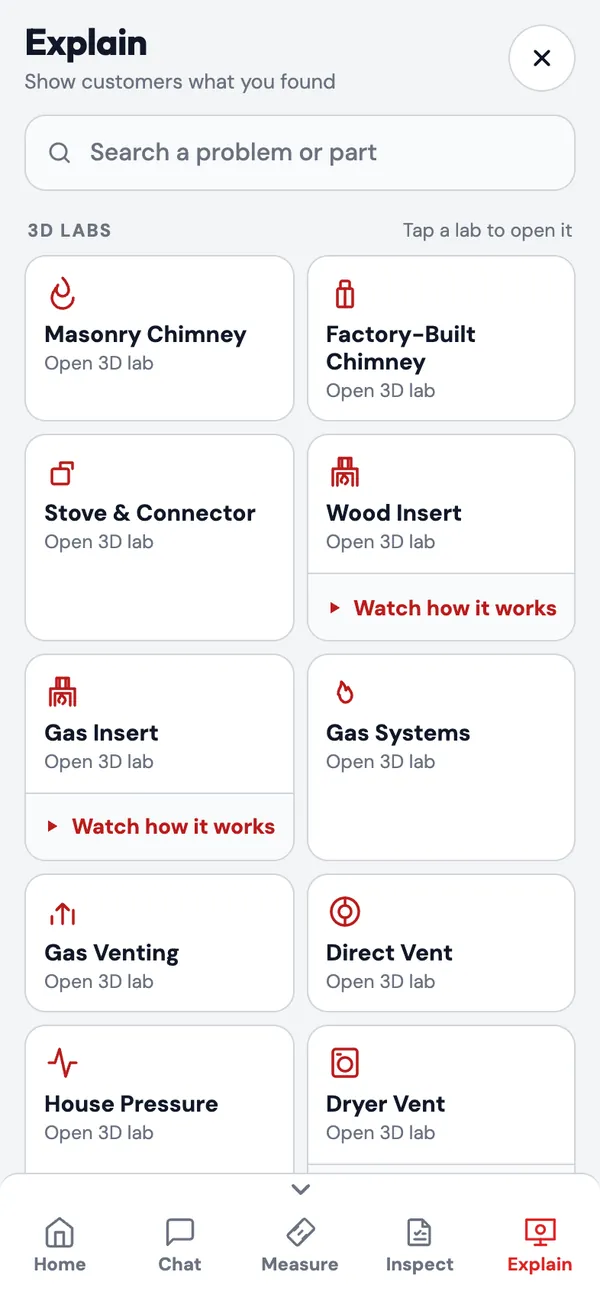
Eleven 3D labs, about 130 scenes
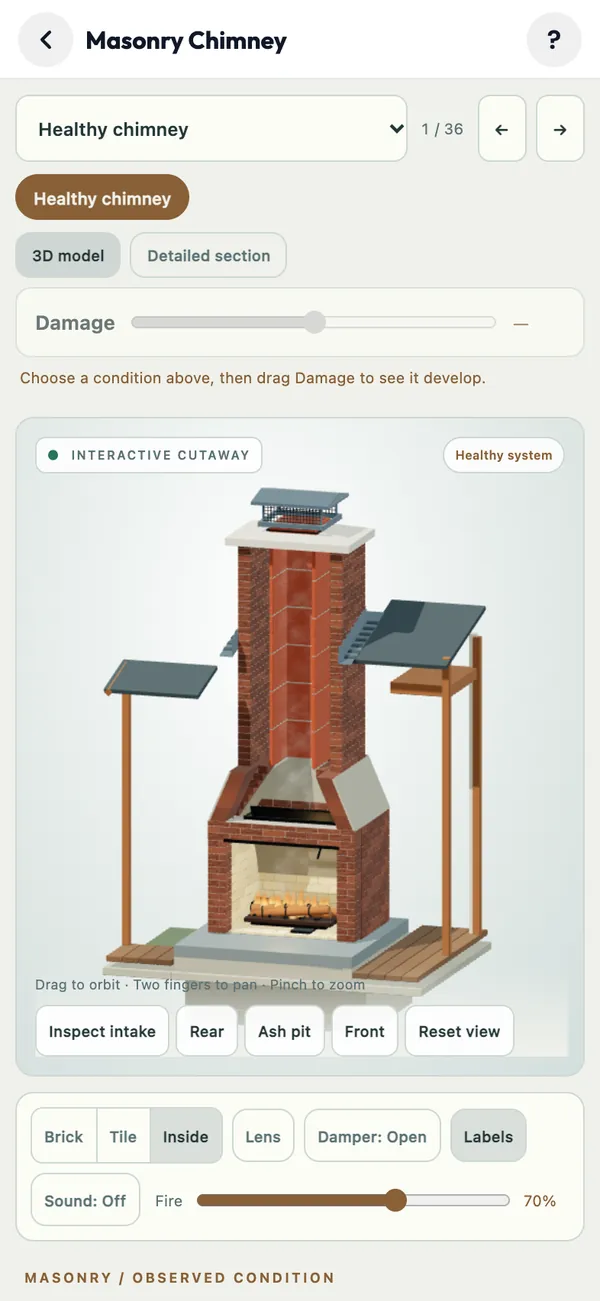
Each lab is a live 3D model you can orbit, zoom and cut open. Each scene sets up one condition, with a short explanation written for homeowners.
Masonry Chimney
36 scenes: cracked crown, spalling brick, flashing, unlined flue, liner types compared, creosote stages 1–3, short chimney (3-2-10), top-sealing damper and more.
Factory-Built Chimney
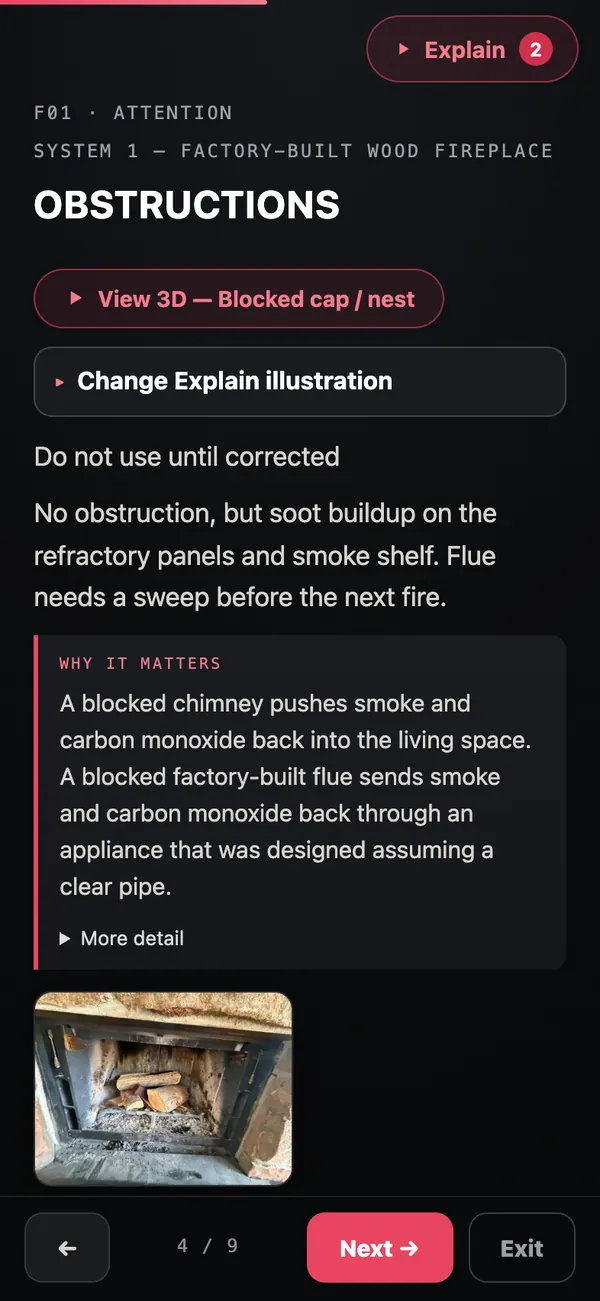
24 scenes for prefab fireplaces and chase enclosures: chase covers, storm collars, refractory panels, clearances.
Stove & Connector
Freestanding stoves: perforated connector pipe, clearances to framing, wall pass-throughs, floor protection and baffles.
Wood Insert & Gas Insert
Anatomy of each insert type, with a guided “Watch how it works” tour.
Gas Systems, Gas Venting, Direct Vent
Pilot and ignition problems, draft-hood spillage, orphaned water heaters, coaxial pipe and direct-vent termination clearances.
House Pressure
Why exhaust fans and tight houses pull smoke back down the flue.
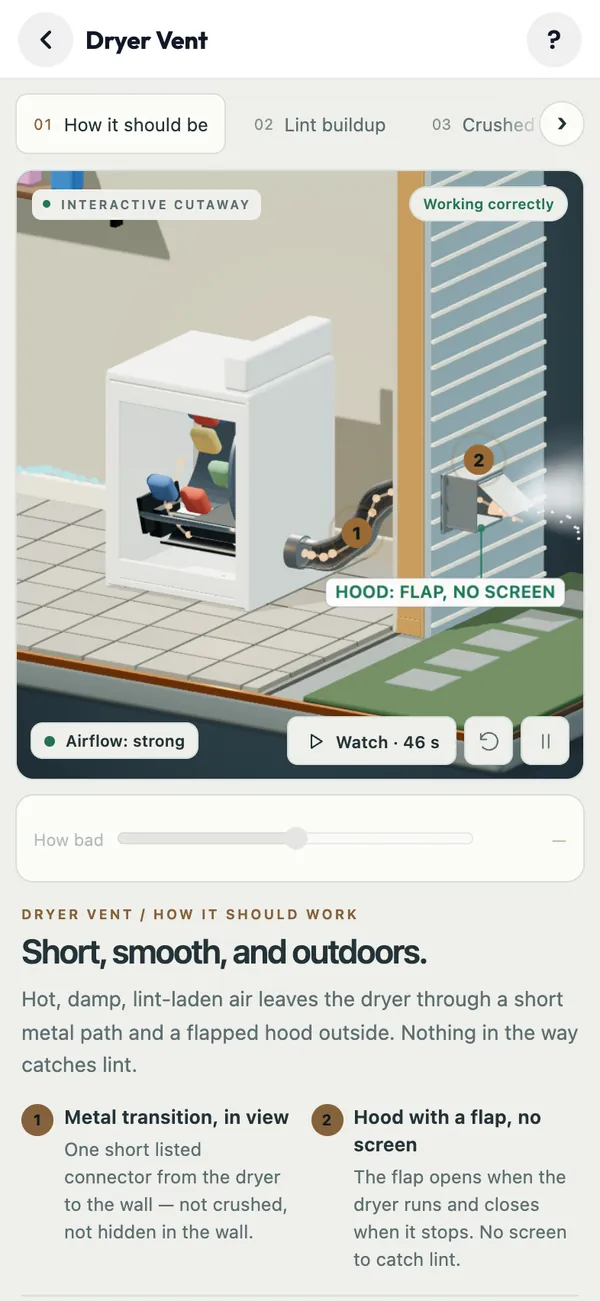
Dryer Vent
Lint buildup, crushed transition duct and blocked hoods, plus a 46-second guided video.
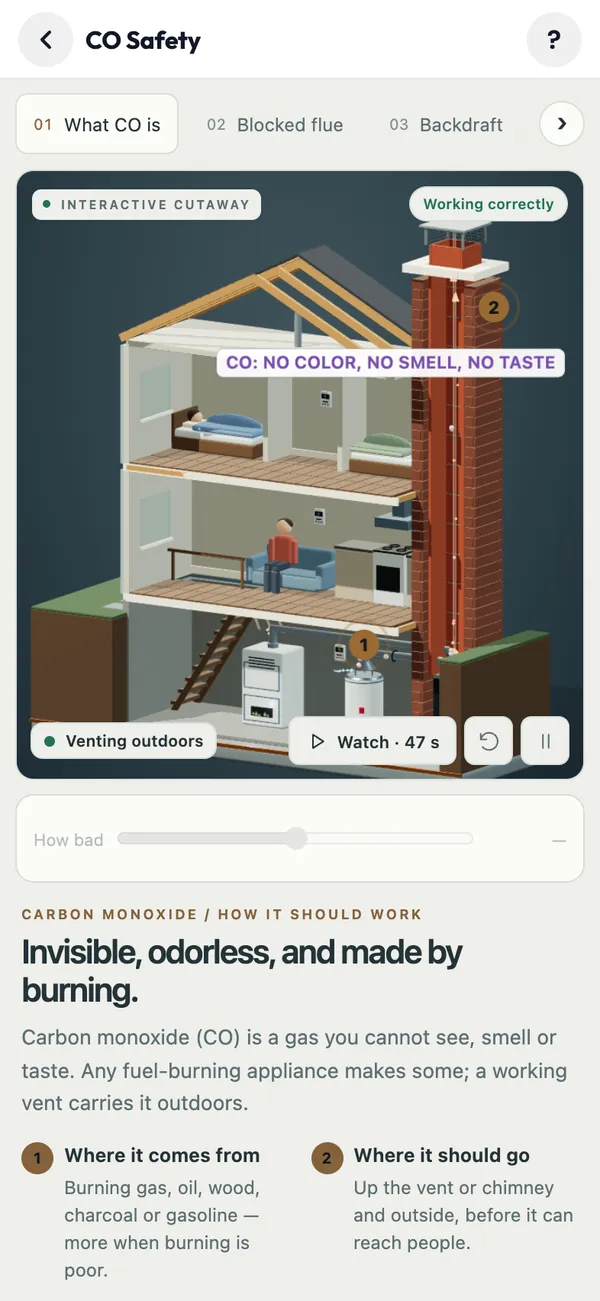
CO Safety
Where carbon monoxide comes from and how a blocked flue or backdraft sends it into the house, with a 47-second guided video.
Your controls, their understanding
Every lab has the controls you’d use to explain it on the hearth: cut the brick away, look inside the tile, open or close the damper, set the fire level, turn labels on, and orbit to the rear or the ash pit.
- Damage slider shows a condition developing from healthy to failed
- Show the problem, then show the fix
- Search a problem or part, or browse by system: masonry, factory-built, stoves and inserts, gas, dryer, house and CO
Linked to the inspection
Attach a 3D scene to any finding. In Present to customer mode, that finding gets a View 3D button, so the photo, the explanation and the 3D cutaway sit side by side.
- Company repair library: your own before/after photos, shown next to the 3D
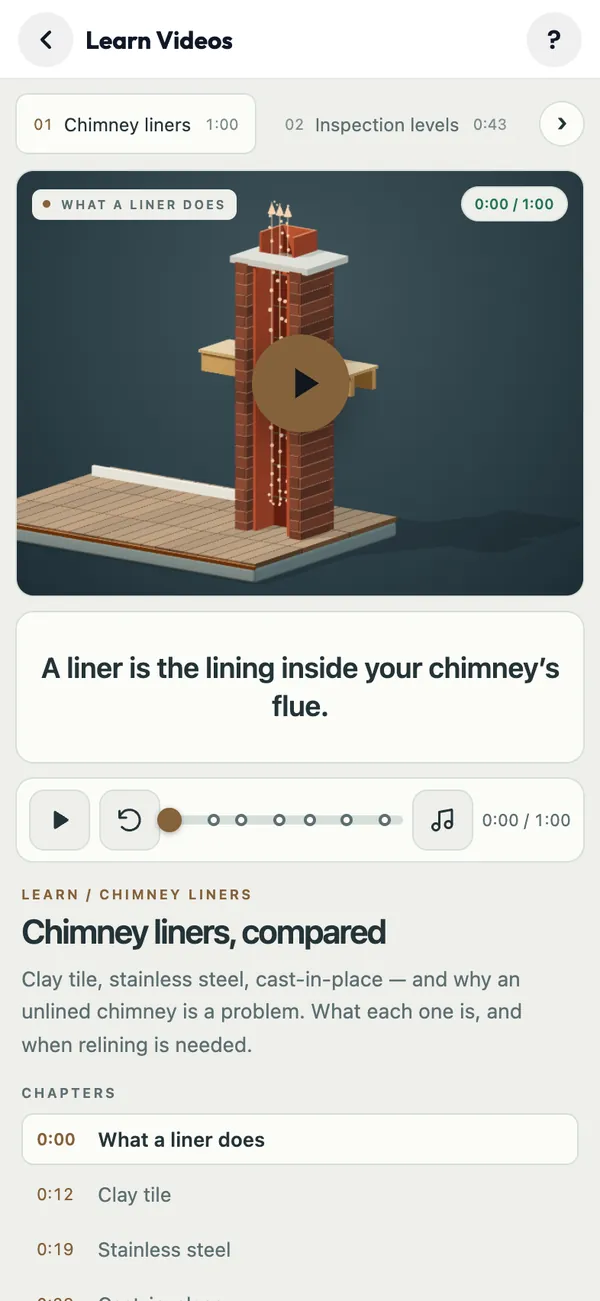
Learn videos for homeowners
Short narrated videos for the questions homeowners always ask: chimney liners compared (1 min), Level 1, 2 and 3 inspections, open fireplace vs insert vs stove, vented vs vent-free gas logs, wet vs seasoned firewood, and how chimney draft works.
Open a 3D lab now
The demo opens straight to the app. Tap Explain at the bottom, then any lab.
On iPhone or iPad? Get ChimSuite on the App Store