
Jobs, team, estimates and invoices for chimney companies
Every inspection, measurement, estimate and invoice lives on the job. See today’s visits, assign technicians, turn inspection findings into an estimate, and record the payment, on iPhone, iPad or the web, even with no signal.
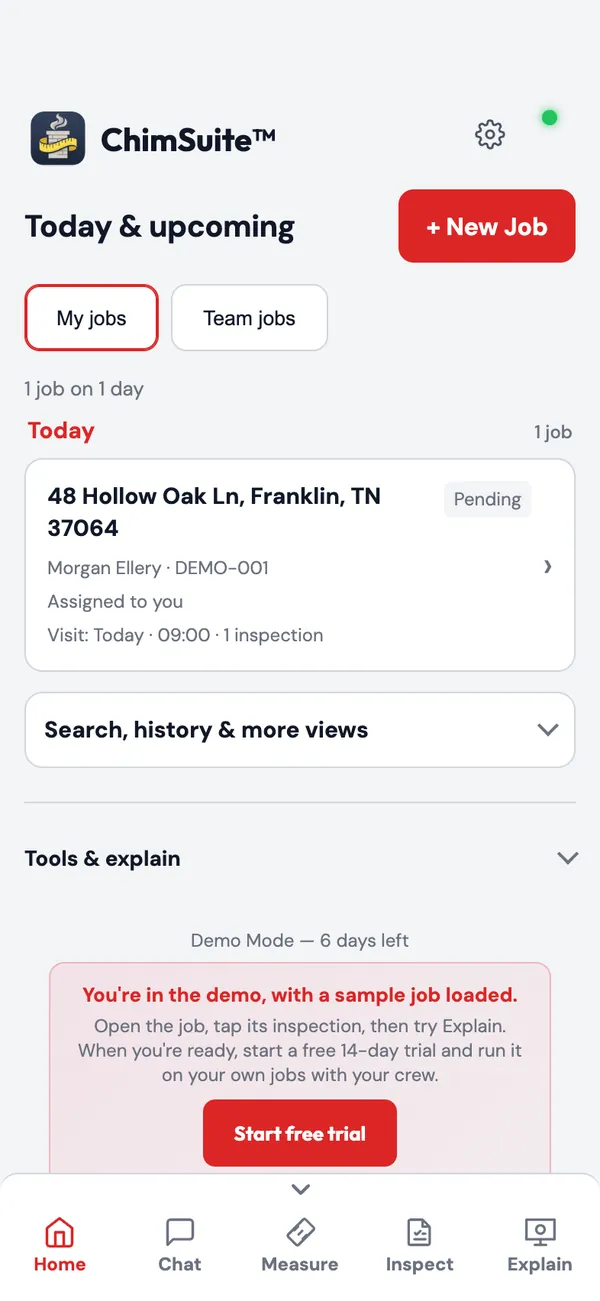
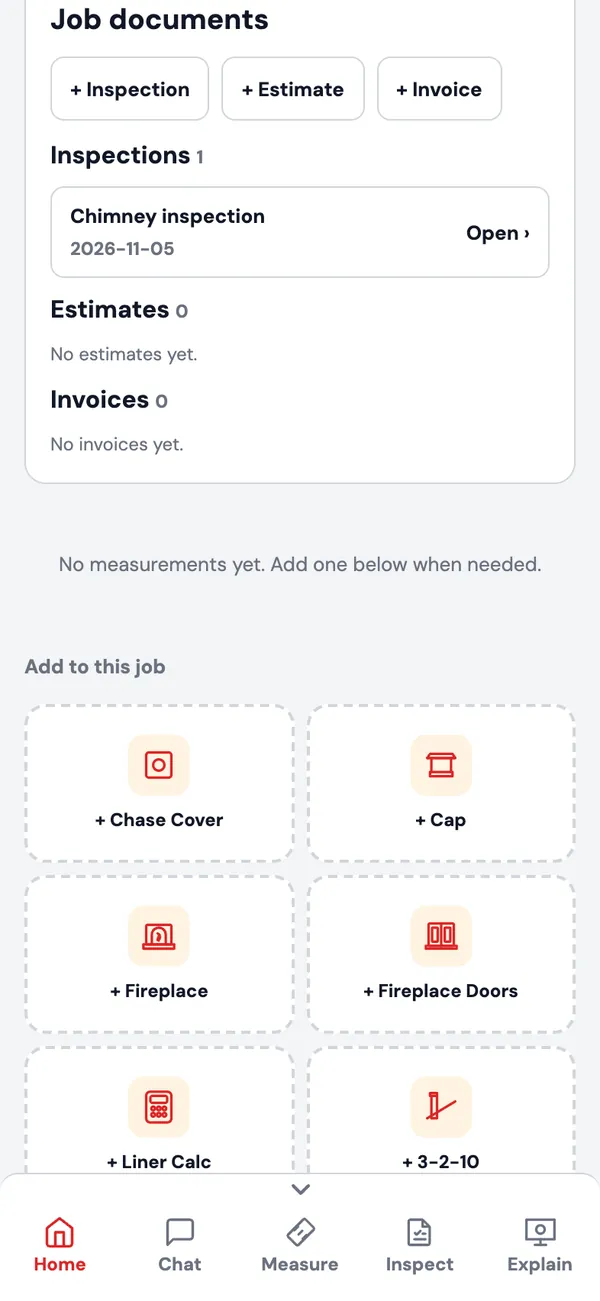
Jobs and scheduling
- Today & upcoming: a day-by-day list of scheduled visits, with My jobs and Team jobs views. Browse history by date or customer, and filter by job type.
- Job status from Pending to Quoted, Ordered, Installed and Complete.
- Schedule a visit, add notes, collect the customer’s signature on the job, and duplicate a job for a repeat customer.
Team
- Invite technicians by email. Each one gets their own login; make someone an admin or a technician, or deactivate them.
- Assign a job to a technician. Company details, fabricator, report rules and tool defaults are shared with the whole team.
Estimates and invoices
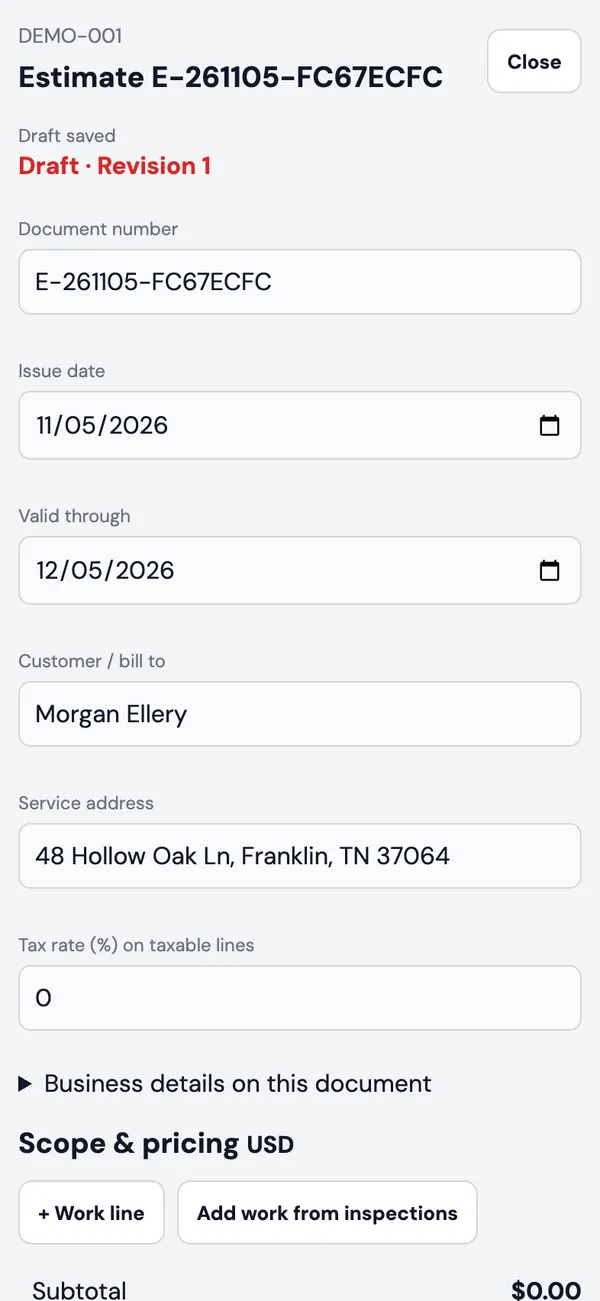
Create an estimate from the job and pull in proposed work straight from the inspection. Finalize to lock the version for the customer, then record approval, deposits and payments.
- Draft, issued, accepted, declined, expired, overdue and partially paid
- Revised estimates keep their history
- Tax on taxable lines, scope notes and terms
- Preview and export as PDF
- Add a matched fireplace insert straight to the estimate
Works with Housecall Pro, Jobber and Workiz
Keep the CRM you already run. A company admin connects it once in Settings.
- Housecall Pro: jobs come in, and Finish & send puts the report PDF and selected photos back on the Housecall Pro job.
- Jobber: sign in with Jobber, import your jobs, and send files back to the job.
- Workiz: jobs import and refresh every few minutes, and the report goes onto the job as a secure link.
- Other scheduling systems: inbound webhooks receive jobs and customer details, and finished files can be sent to your own destination.
Offline first
Inspections, measurements and notes save on the device and sync when you are back online. Voice notes recorded offline are typed in later. The insert catalog is cached, and PDFs can be built on the device.
iPhone, iPad and web
Download ChimSuite from the App Store for iPhone and iPad, or use the web app on Android, Windows or Mac. One shared job list for the whole company.
Your logo, your fabricator
Your company logo on PDFs and exports. Chase cover and cap specs go to your fabricator’s email in one tap.
See it on a real job in one tap
The demo opens with a finished sample inspection already inside. No sign-up. When you are ready, start the 14-day free trial and run it on your own jobs.
On iPhone or iPad? Get ChimSuite on the App Store