
Chimney inspection reports with photos, ratings and a customer signature
Fill out a Level 1, Level 2 or Level 3 chimney inspection on your phone, attach photo evidence to each finding, and hand the homeowner a clear report they can sign online. Checklist wording references NFPA 211 and the appliance manufacturer’s requirements.
What goes into a ChimSuite inspection
Report types and systems
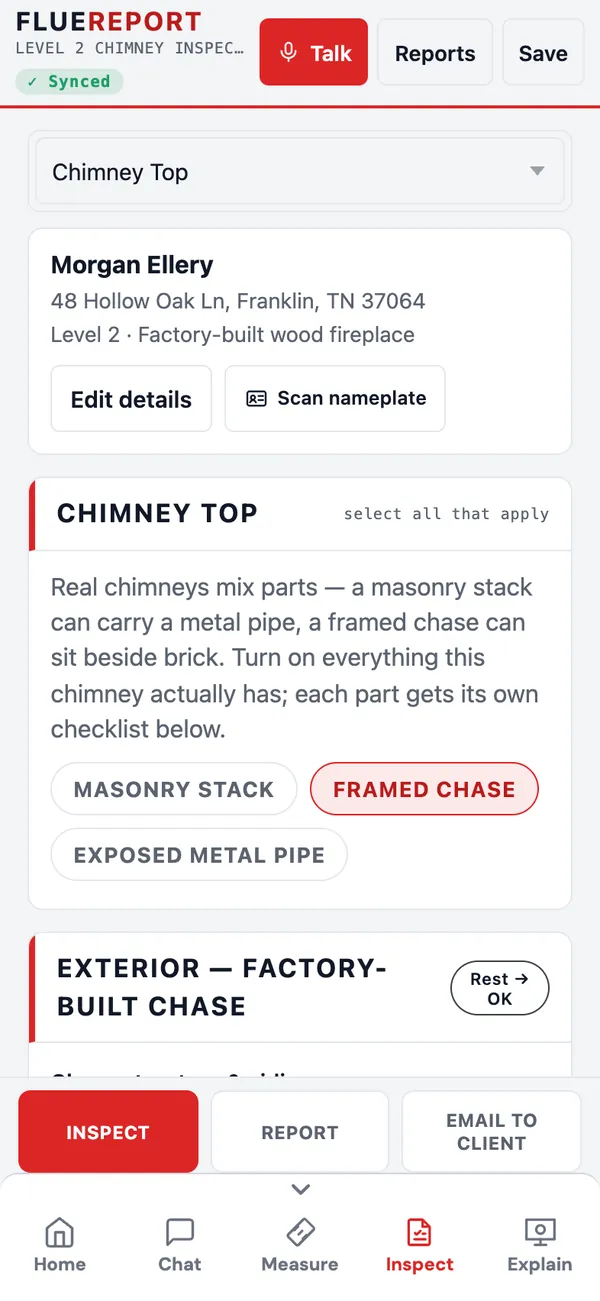
Choose Level 1, Level 2 or Level 3 chimney inspection. Level 2 adds Interior Spaces and a Video Scan section. Add every appliance you find to one report:
- Wood-burning: traditional masonry fireplace, wood-burning insert, freestanding wood stove, factory-built wood fireplace, high-efficiency / EPA fireplace, modular masonry (Isokern-type), pellet appliance.
- Gas: vented gas logs, vent-free gas, direct-vent gas fireplace, B-vent gas fireplace, gas insert, gas stove.
- Other: dryer vent, furnace / boiler flue, water heater flue, oil-fired appliance, and as-found or mixed installations.
Real chimneys mix parts, so the chimney top lets you turn on a masonry stack, a framed chase and exposed metal pipe together. Each part gets its own checklist.
Ratings and the use assessment
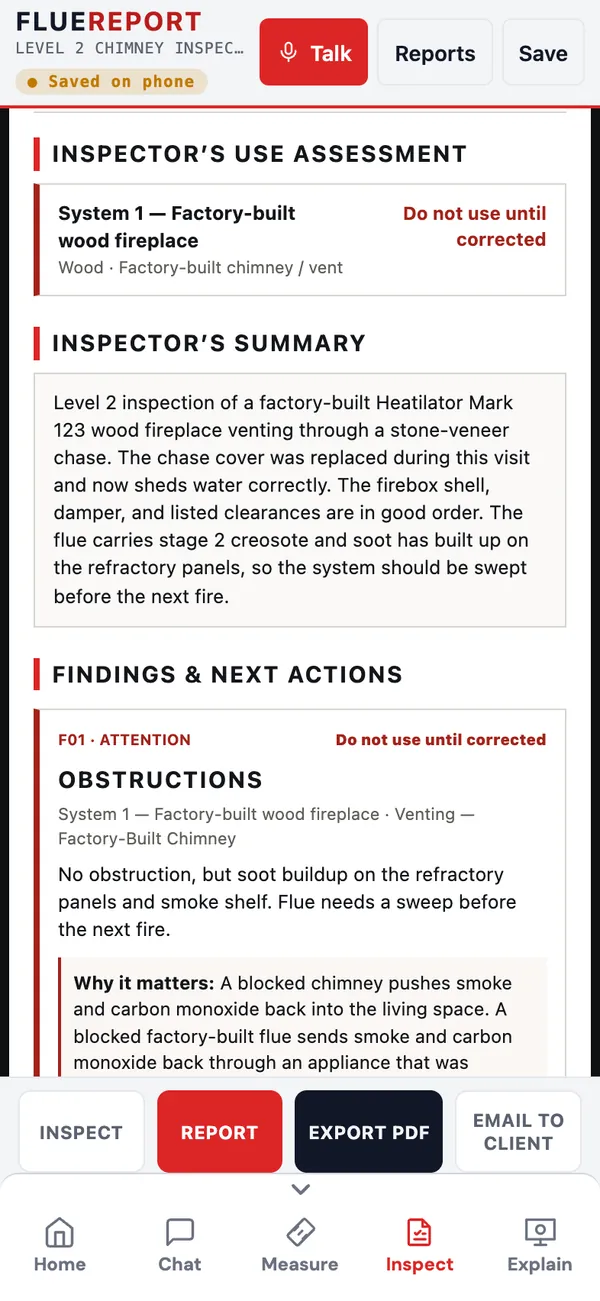
Rate each item Acceptable, Attention, Hazard, N/A or Not inspected. For each finding, record whether the system can be used: Do not use until corrected or Correction recommended. Each system gets an overall use assessment (Suitable, Suitable with correction recommended, Do not use until corrected, or Not determined), printed near the top of the report.
Photos, notes and nameplates
Attach photos to any item and mark them up. Dictate notes by voice, pick from common findings, or draft a note from a photo. Scan the appliance nameplate to fill in the make and model; if you can’t find the plate, the app shows where it usually hides. Ask ChimChat about any checklist item without leaving the inspection.
Reports the homeowner reads
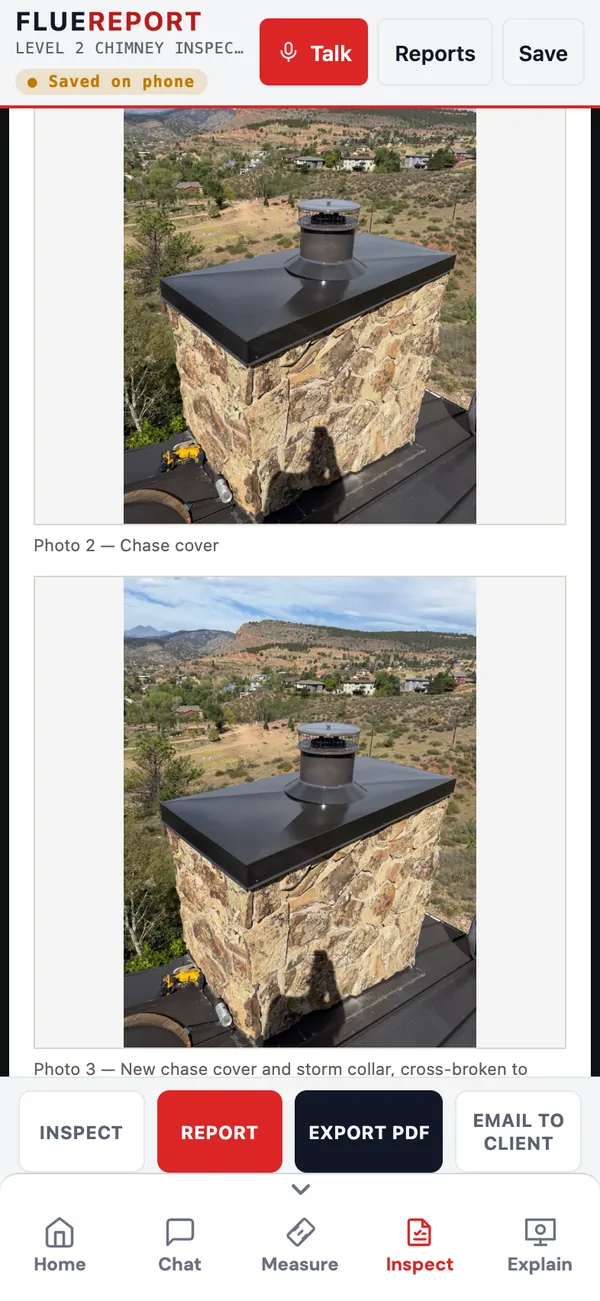
Each finding prints with its photo and a plain-language “Why it matters”. Add before/after service photos, proposed work and recommended next steps. Choose exactly which checklist details the customer sees.
PDF, email and a signed customer link
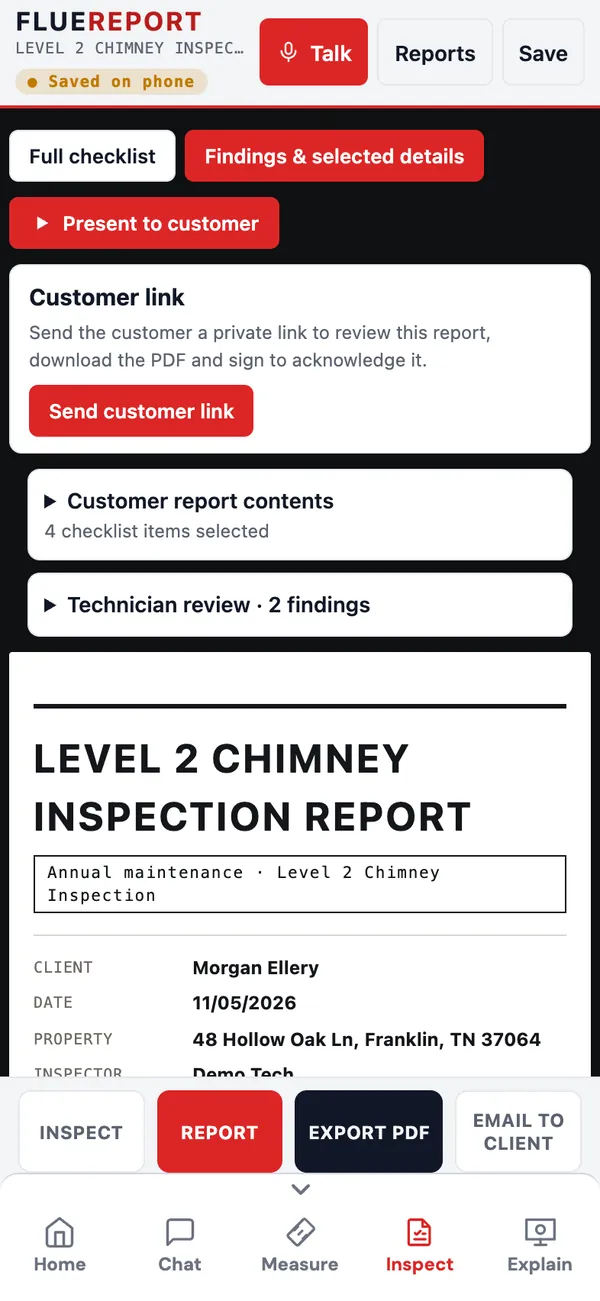
Export a branded PDF with your logo, email it to the client, or send a private customer link. The homeowner opens the report on their phone, downloads the PDF, and signs to acknowledge it. You see when it was viewed and signed.
- Links expire after 90 days by default and can be turned off any time
- Optional: get the customer’s signature before emailing
- Photos in the PDF at full resolution
Present to customer
Turn the report into a slideshow on your phone or iPad: use assessment, summary, then each finding with its photo and why it matters. Findings linked to a 3D scene get a View 3D button.
About 3D Explain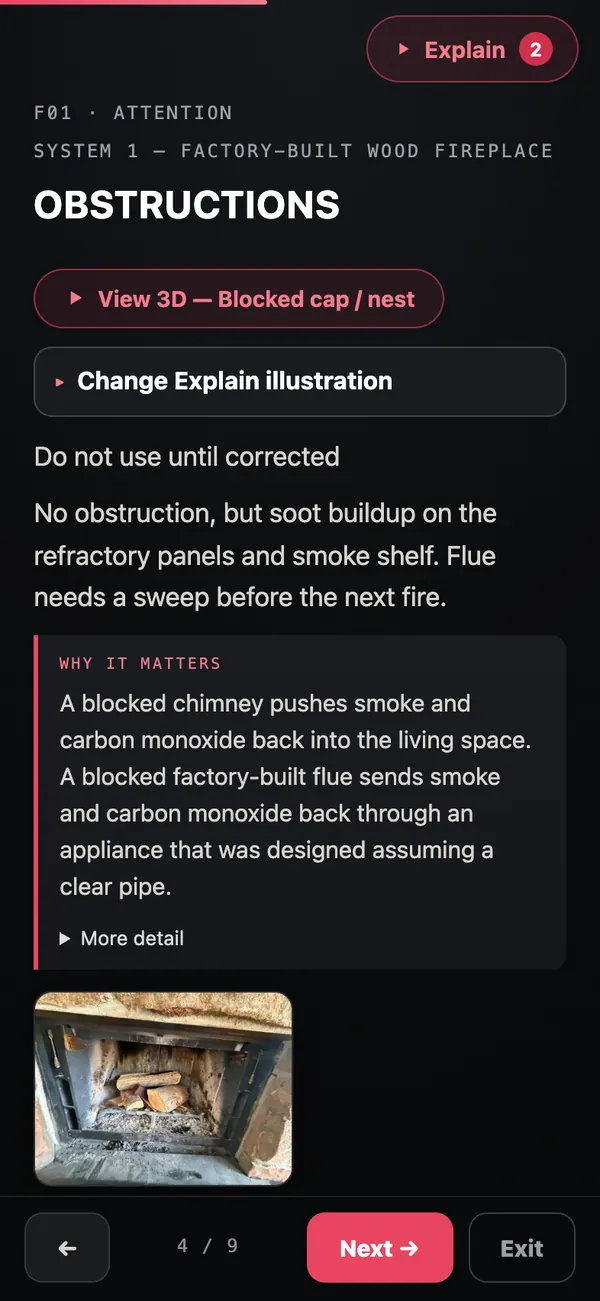
Your company’s rules on every report
Company admins set the standard once and every technician’s report follows it:
- Company report rules: required checklist items, required records (technician name, date, summary, recommendations, signature), and what every marked problem needs: a note, an evidence photo, a repair explanation or an approved repair template.
- Company disclaimer: require your exact wording on every report.
- Custom reports: build up to 10 of your own inspection report templates with your own checklist items and common findings.
- Repair library: before/after repair photos from your company, ready to show the customer.
- Rules are versioned. Saved reports keep the rules they were written under.
Flue 3D
Turn chimney camera video into a 3D view of the flue with markers, and share it with the homeowner from the customer link.
Open the sample Level 2 report
The demo has a finished Level 2 inspection of a factory-built fireplace, with photos and two findings. Open it, tap Report, then Present to customer.
On iPhone or iPad? Get ChimSuite on the App Store